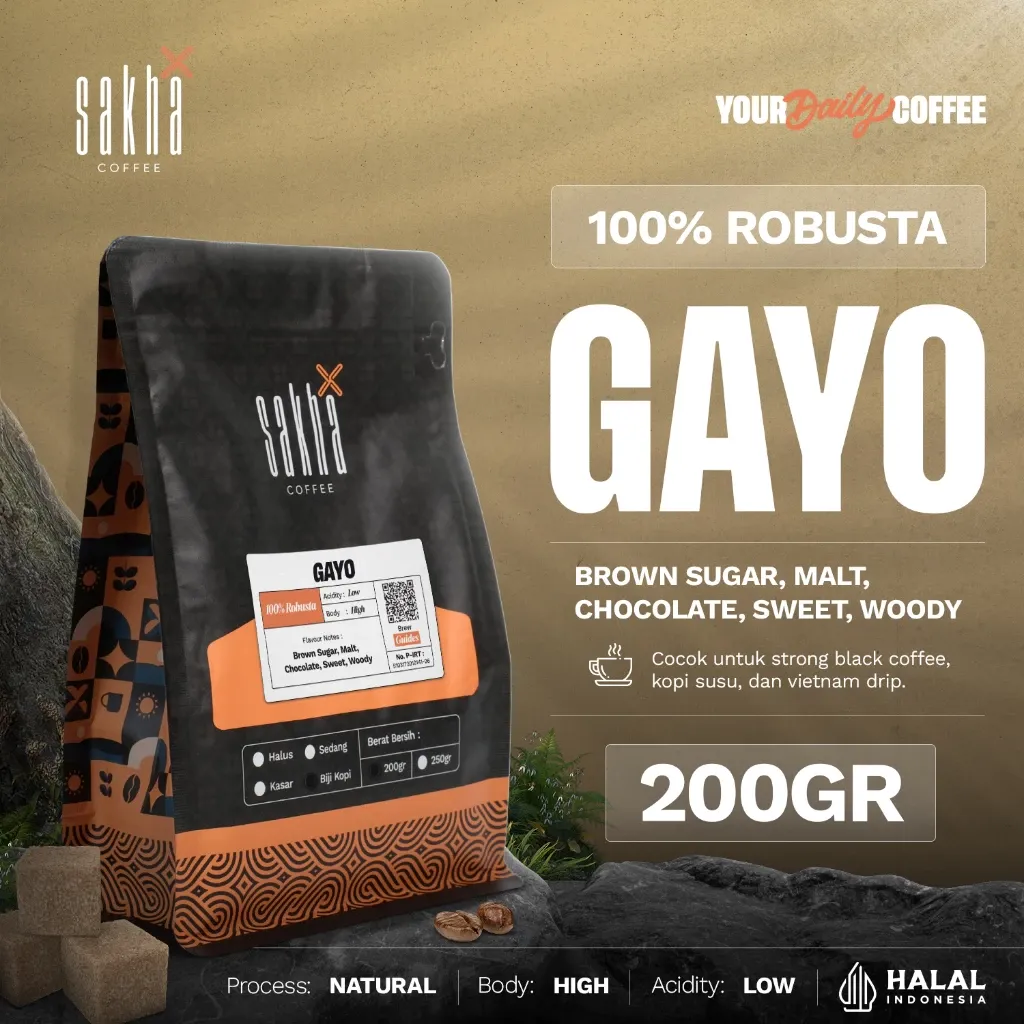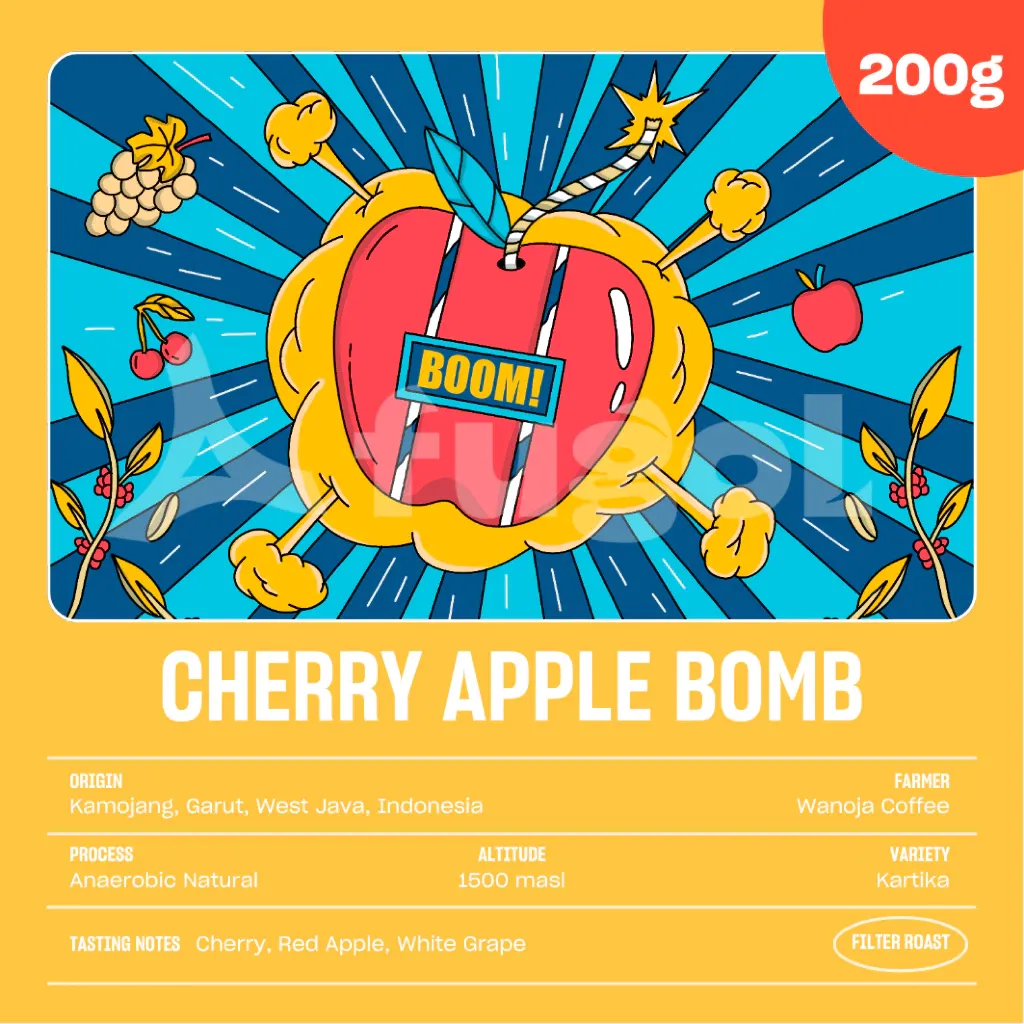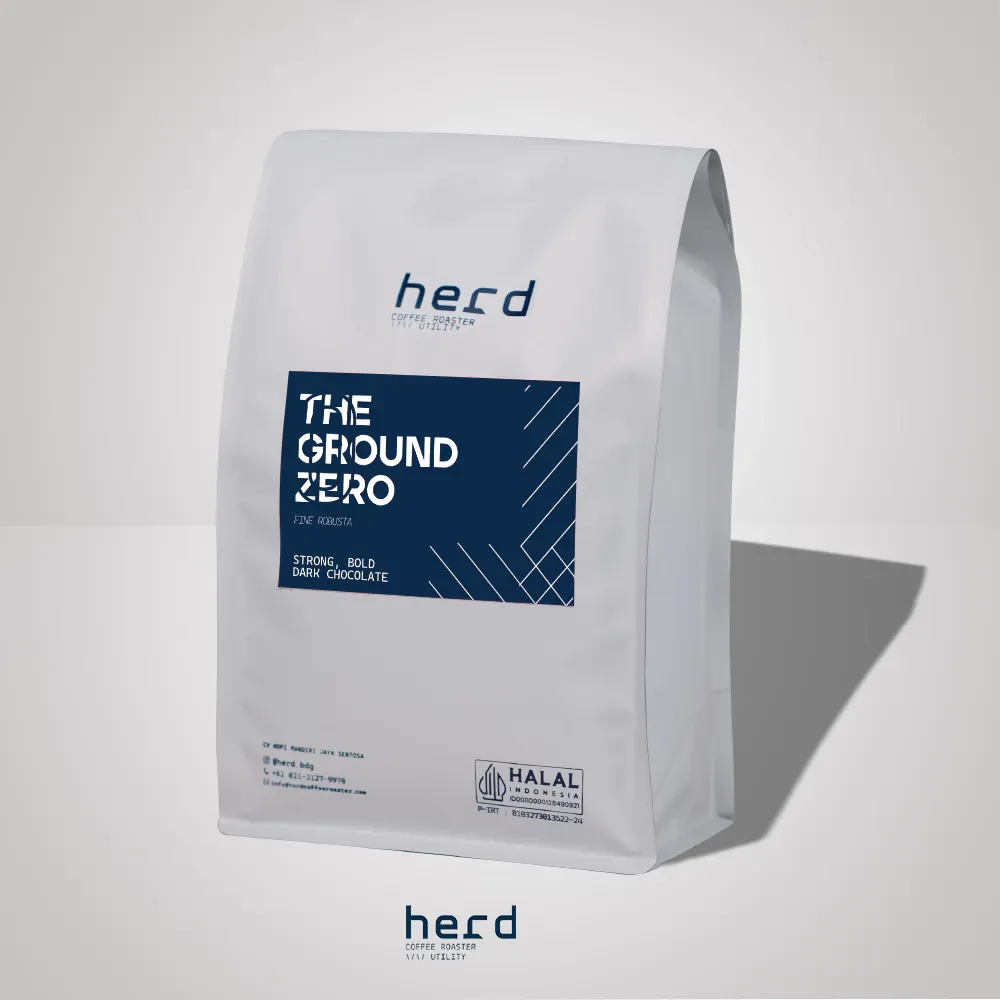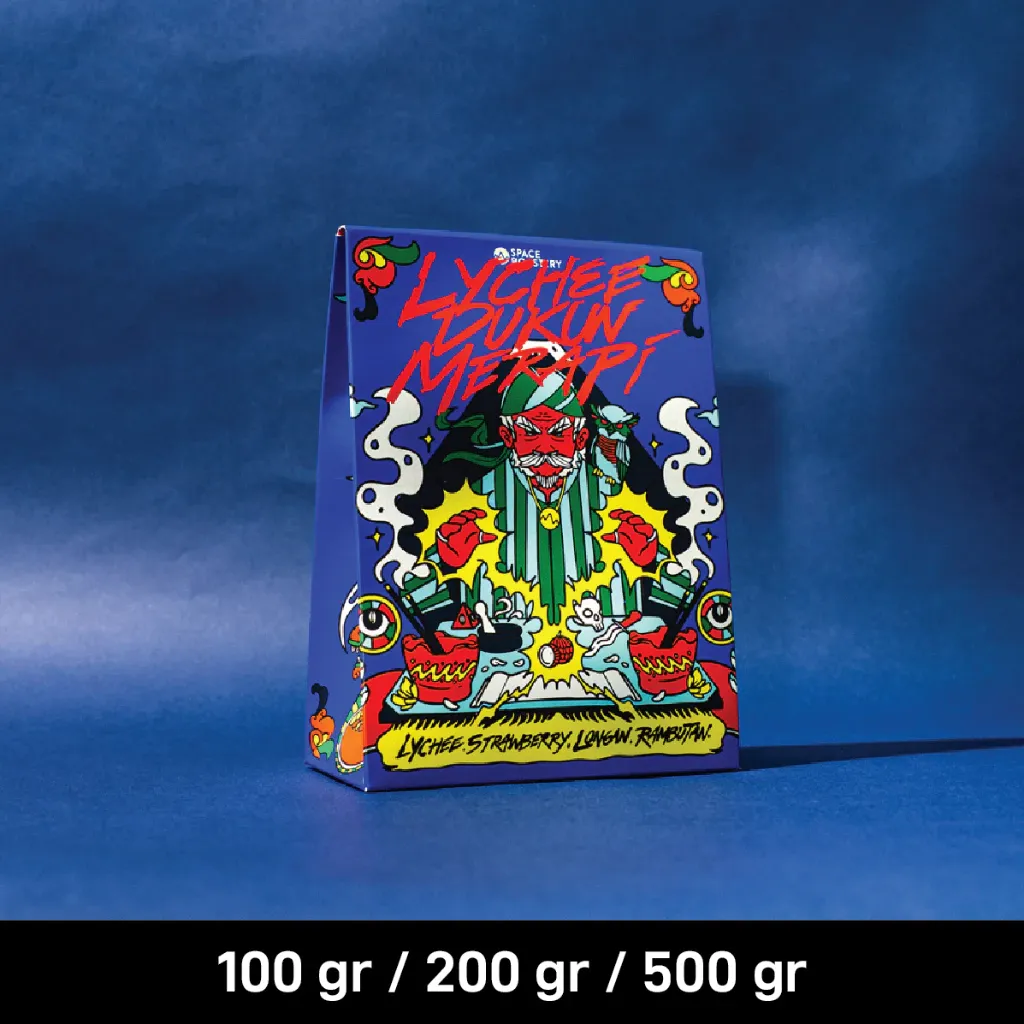
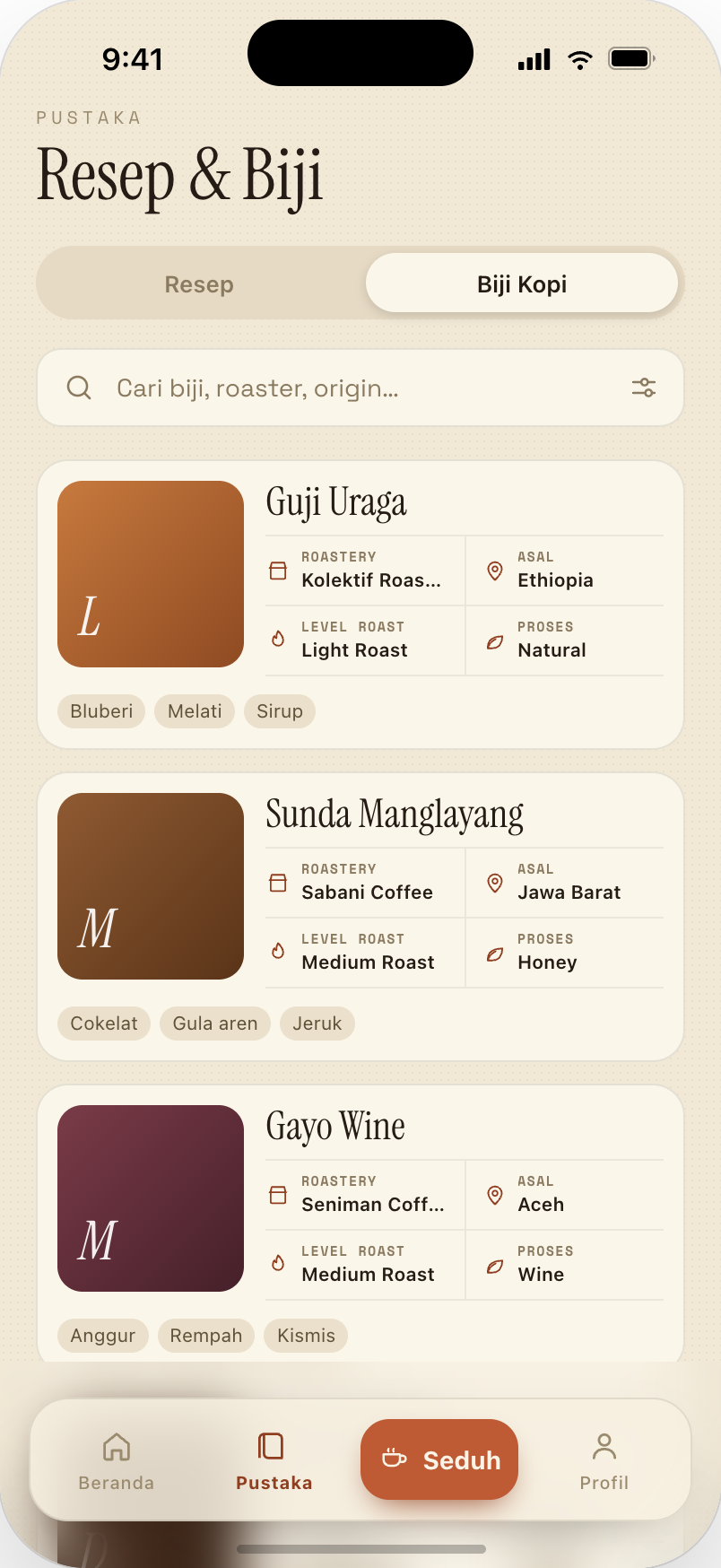
Find the single origin you are brewing — or pick from your own bean shelf.
Save recipes, run a precise brew timer, and log every cup in one app — so your best coffee is repeatable, not luck.
Pick a feature below to see how Blume shapes your brew ritual — from the first cup to your daily journal.
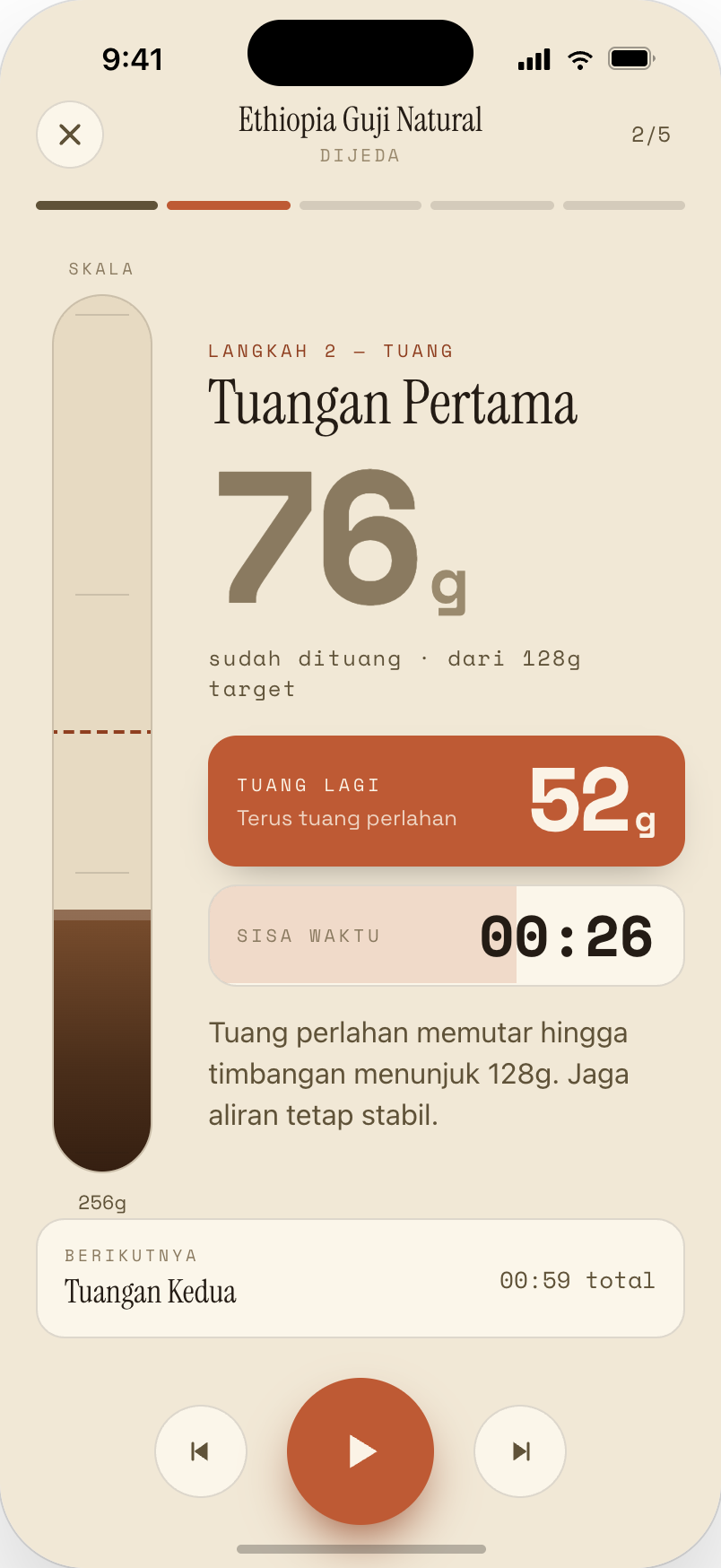
Arc progress, Bloom → Pour → Draw Down steps, and haptic feedback keep you focused on the kettle — not guessing the clock.
Find the single origin you are brewing — or pick from your own bean shelf.
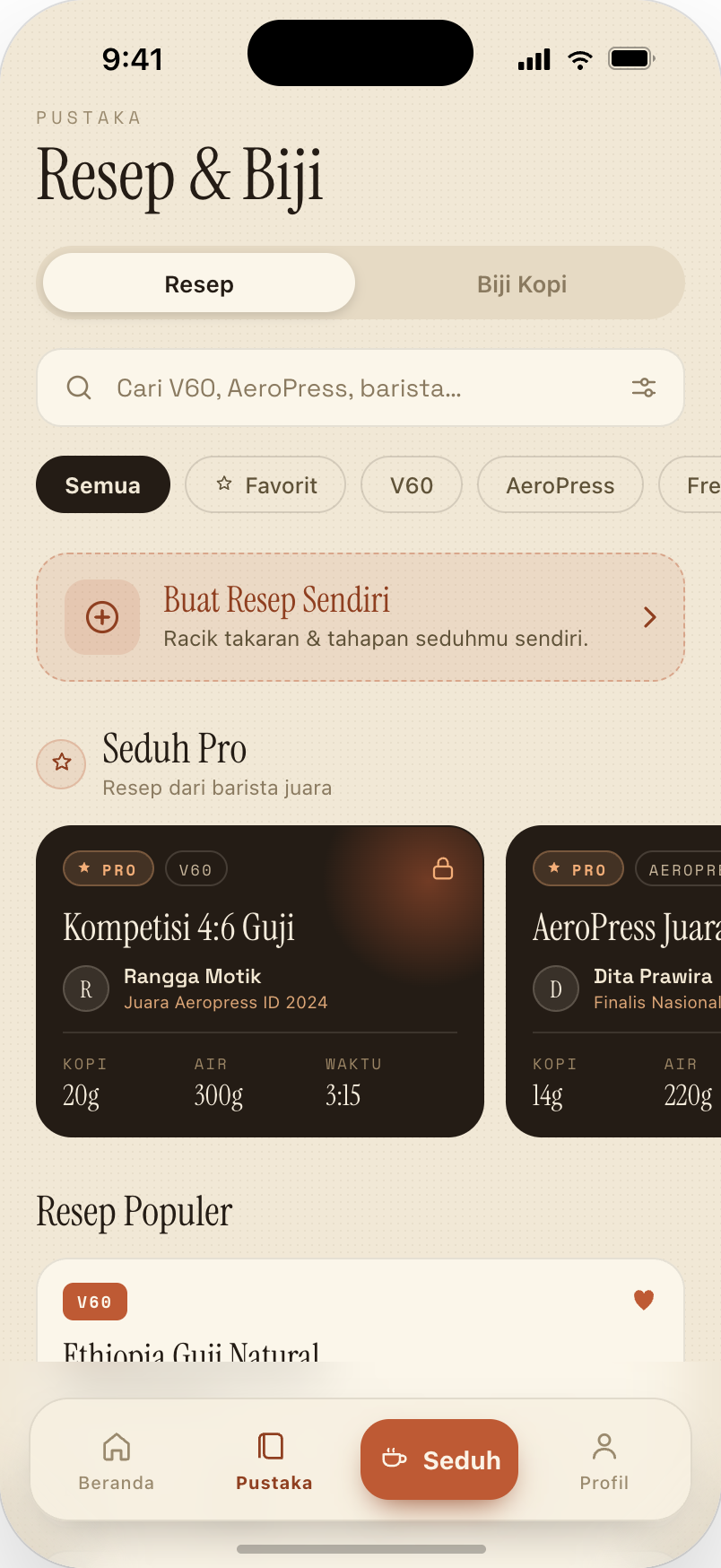
Filter fast by method, then tap to load ratio, temperature and steps into the timer.
Follow Bloom → Pour → Draw Down. Arc progress and haptics hold the tempo without staring at the screen.
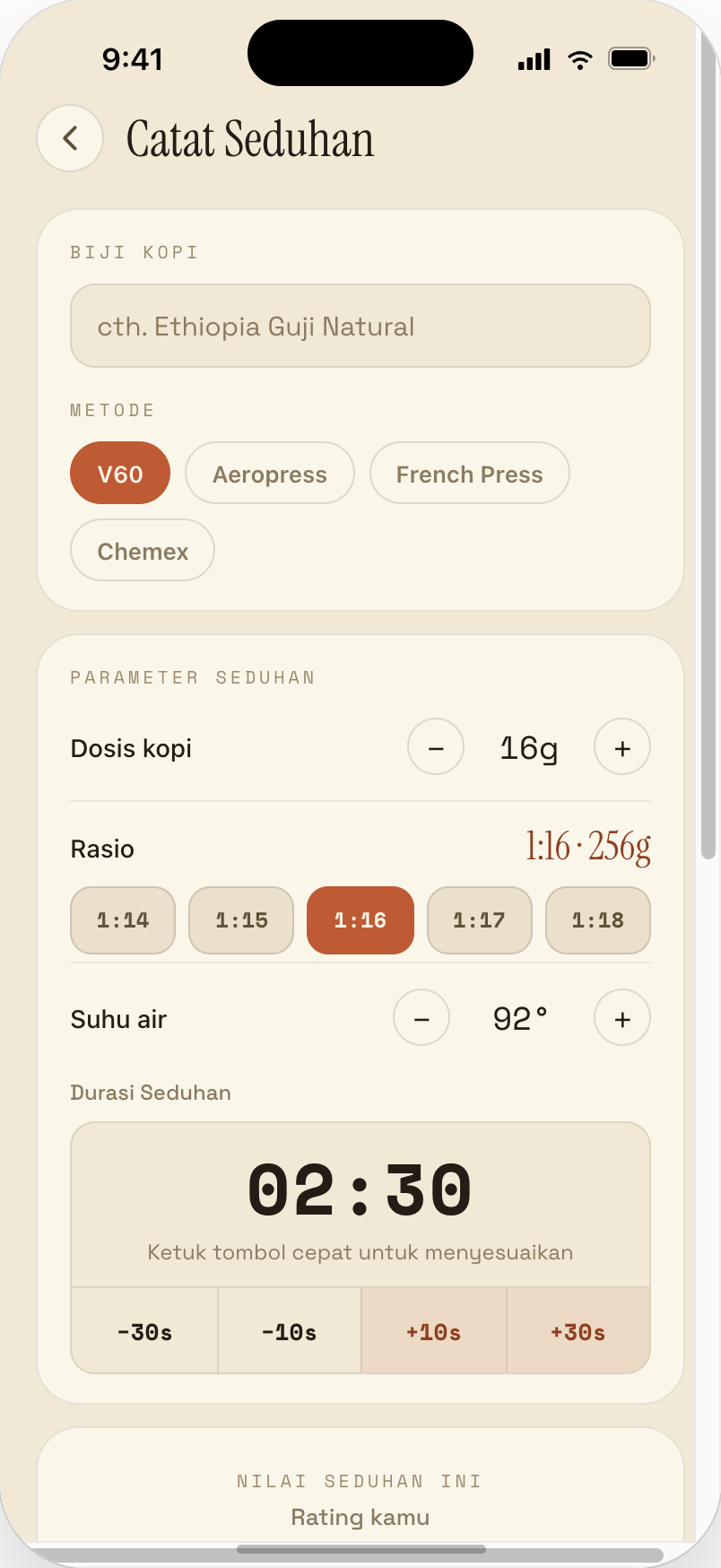
Add a rating and taste notes. Parameters save automatically, so your best cup repeats tomorrow.
Every bean comes with a flavor profile, roast level, process and buy link. Match it to your favorite brew method.
Every recipe carries its ratio, dose and total time — the timer guides each pour once you hit start.
Blume is built for hands holding a kettle and coffee at once. Big type, easy contrast, gentle motion — never a heavy dashboard.
Text, parameters and brew status stay clear even when you move fast.
Warm, quiet visuals — focus stays on taste and time.
A short onboarding tunes recommendations from your first brew.
Ratio, temperature and time shown plainly — follow them and the cup repeats.
Short notes from home brewers who open Blume every morning — from the first timer to a full journal.
My V60 used to taste different every day. Now I open last week’s log and repeat the cup that worked.
The guided pour timer settled my hands. No more counting seconds and guessing.
The bean directory gets the most use. I know the flavor profile before buying, and my notes finally line up.